Turn a recording into real tab
Play or import a guitar/bass recording and Tabfier transcribes it into tablature you can edit and play back — entirely in your browser. Nothing is uploaded anywhere.
How it works
Record or import
Play straight into your microphone, or drop in a WAV, MP3, or FLAC file.
Audio is decoded and resampled with the Web Audio API's AudioContext, entirely client-side — a mic take and an imported file end up as the same Float32 sample buffer before transcription ever sees them.
Transcribed automatically
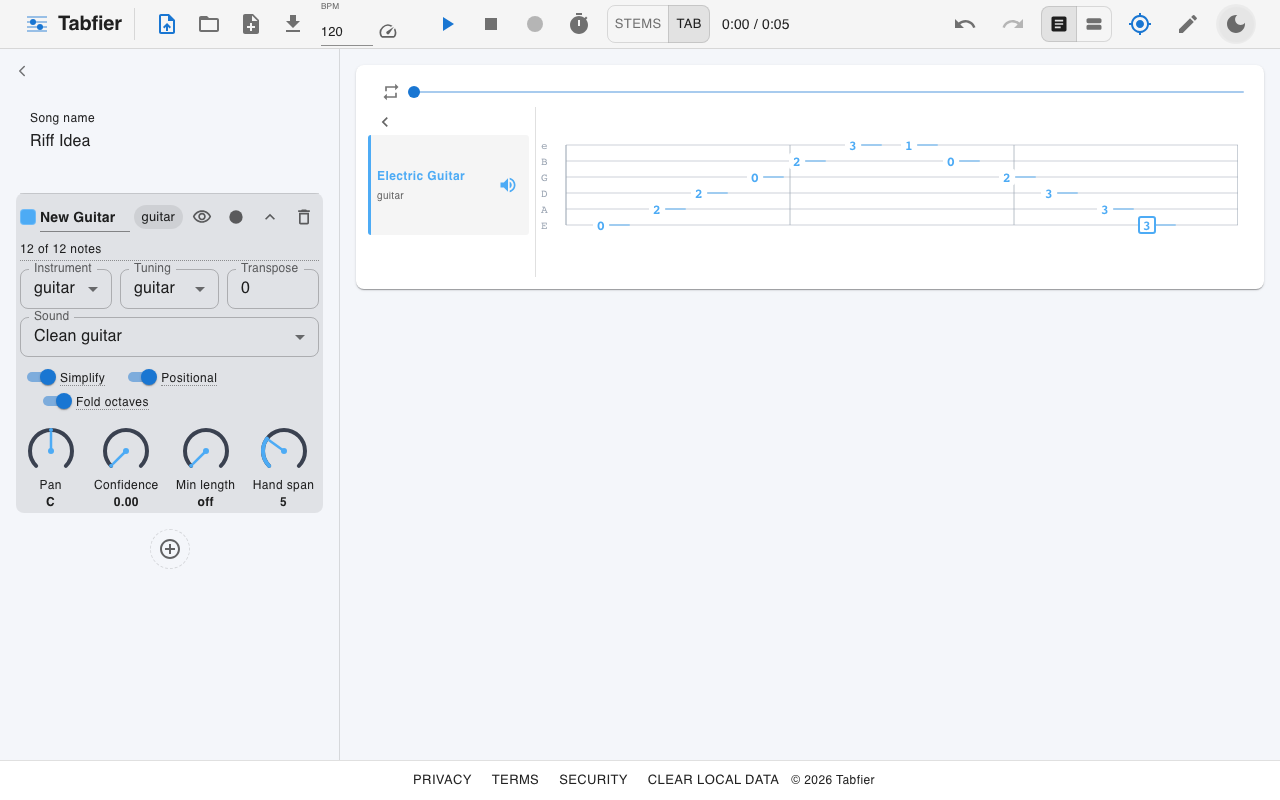
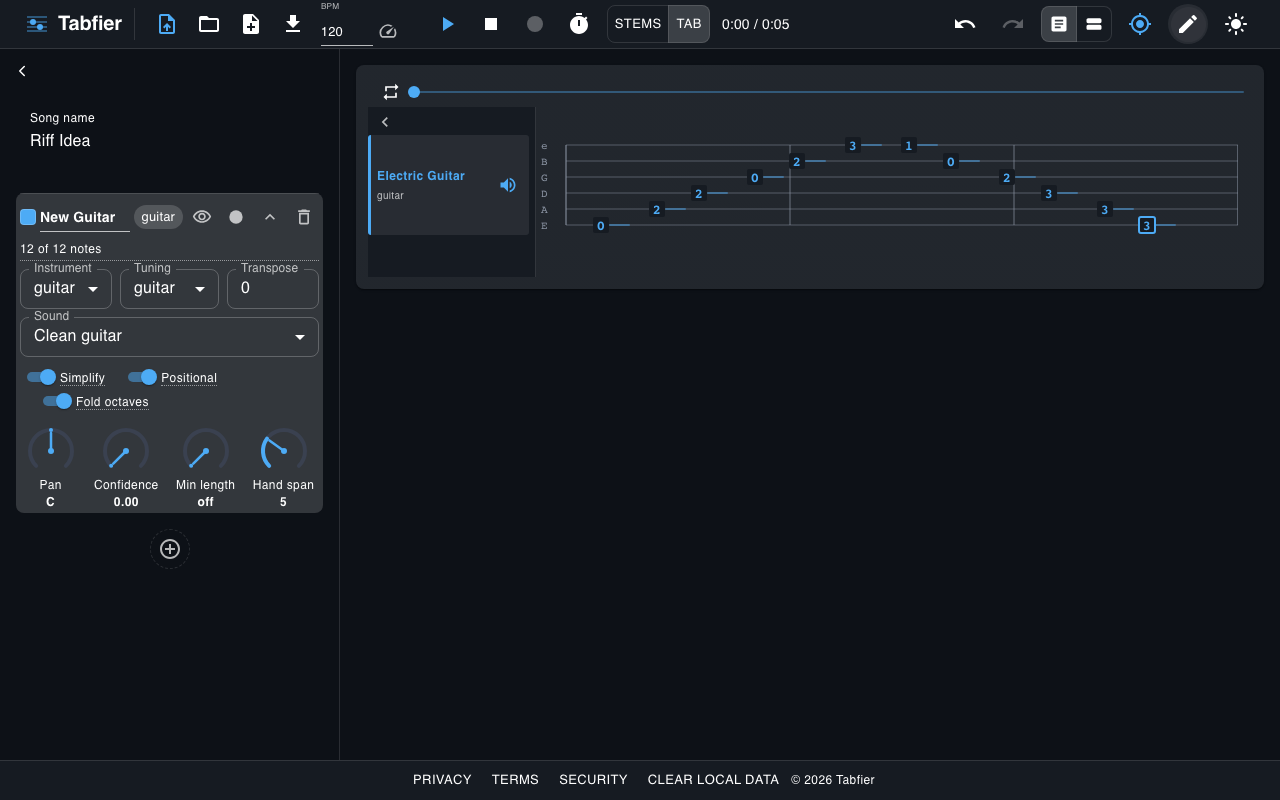
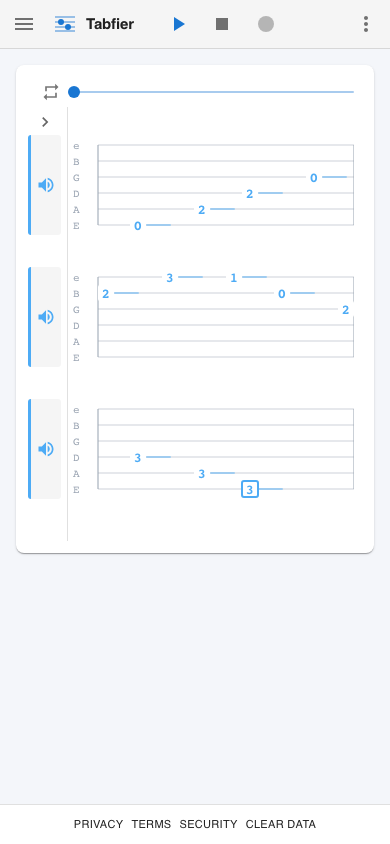
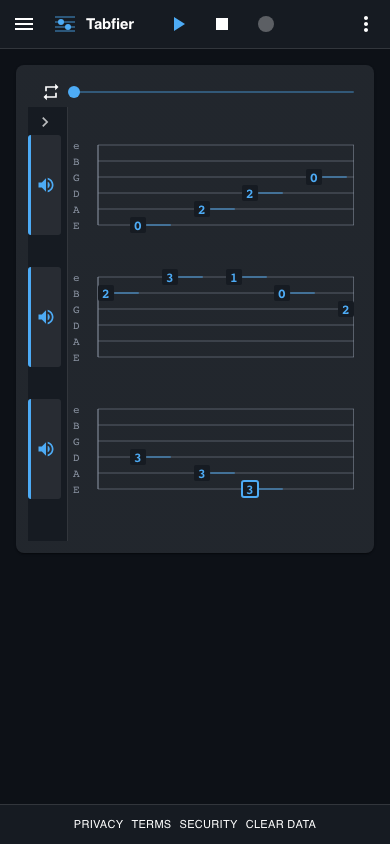
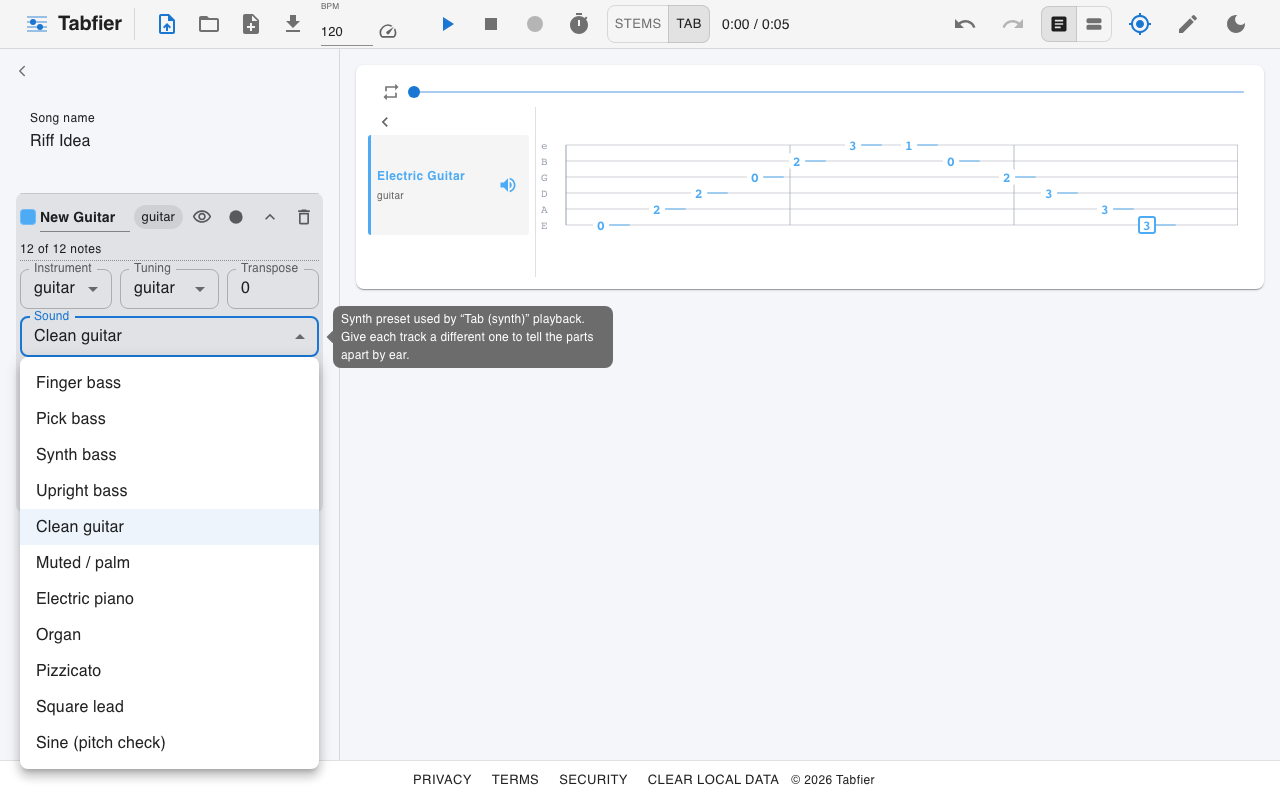
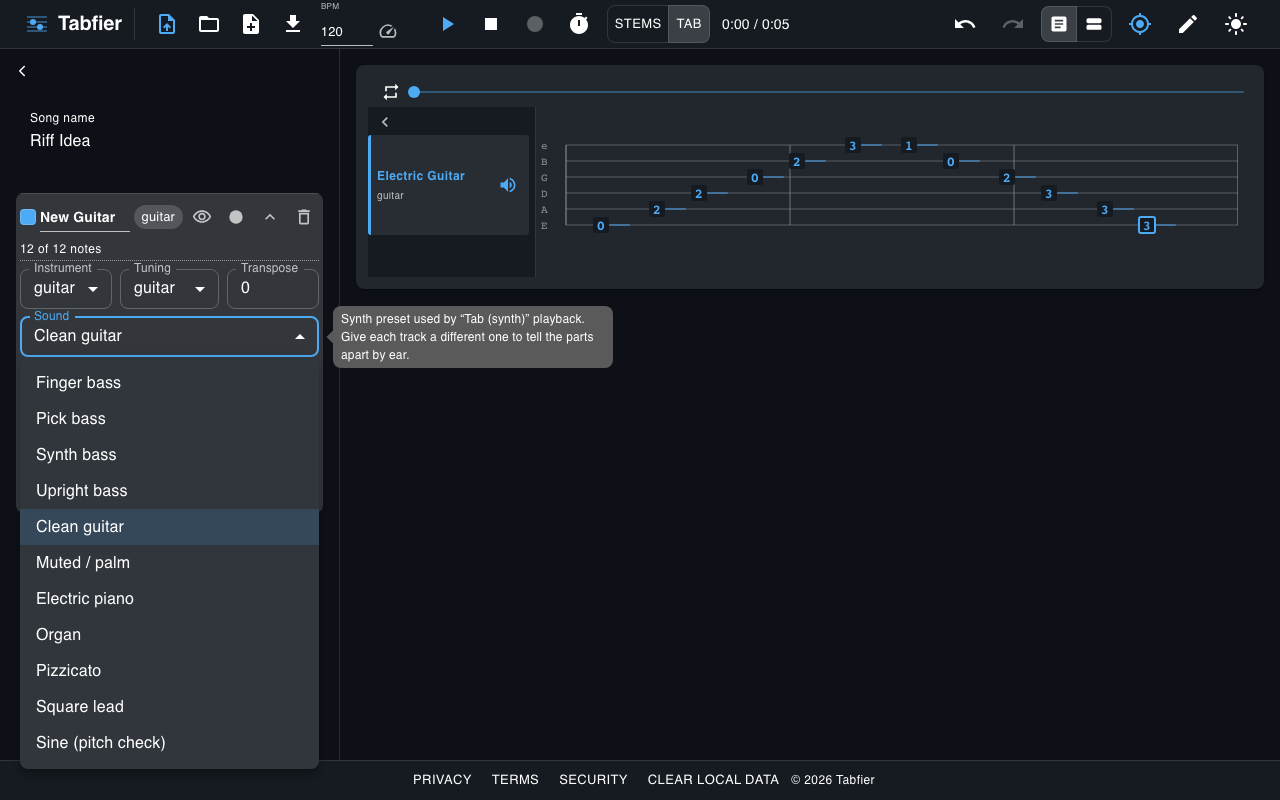
A machine-learning model picks out the notes and fits them onto the fretboard, running in your browser via a background worker so the page stays responsive.
Pitch detection is Spotify's open-source basic-pitch model running on TensorFlow.js, entirely on-device in a Web Worker. The detected notes are then fretted by a positional-assignment pass that respects your hand-span and octave-folding settings, so the same pitch can land on different strings depending on what's playable.
Edit, play back, export
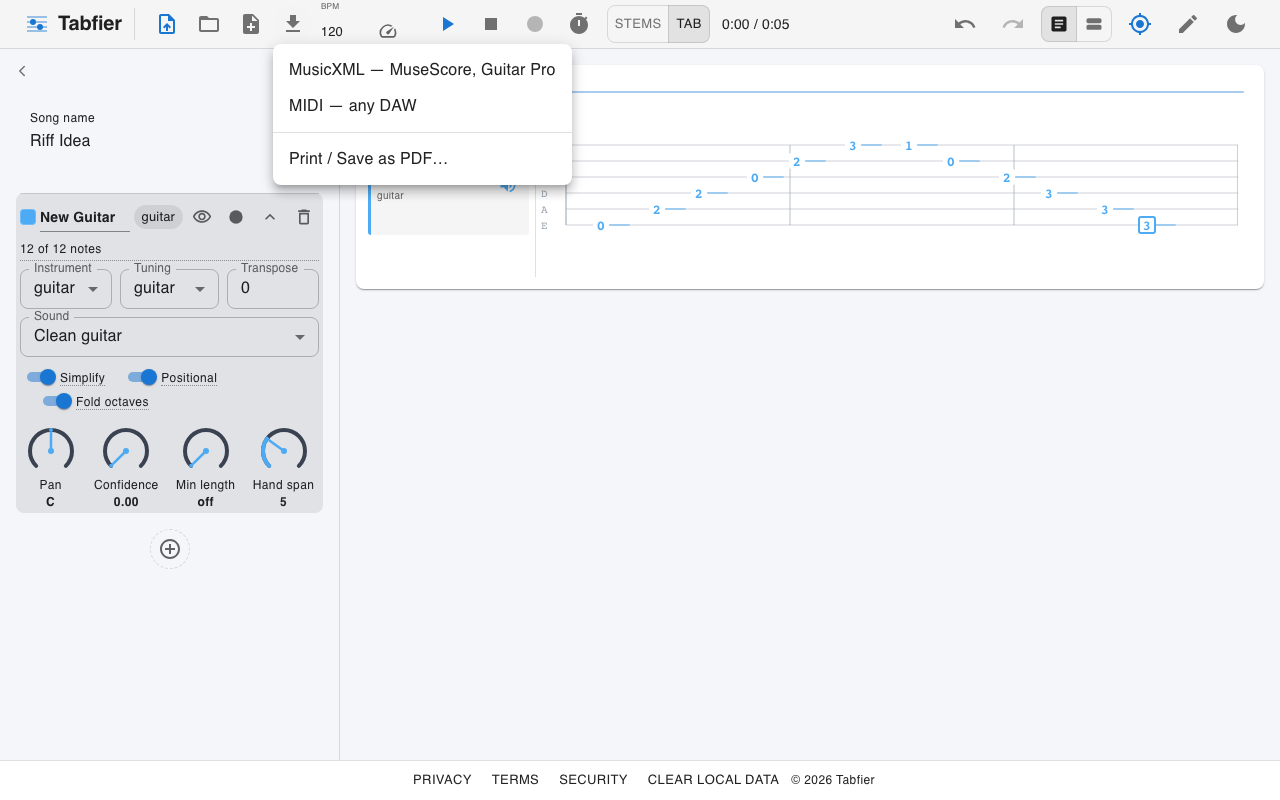
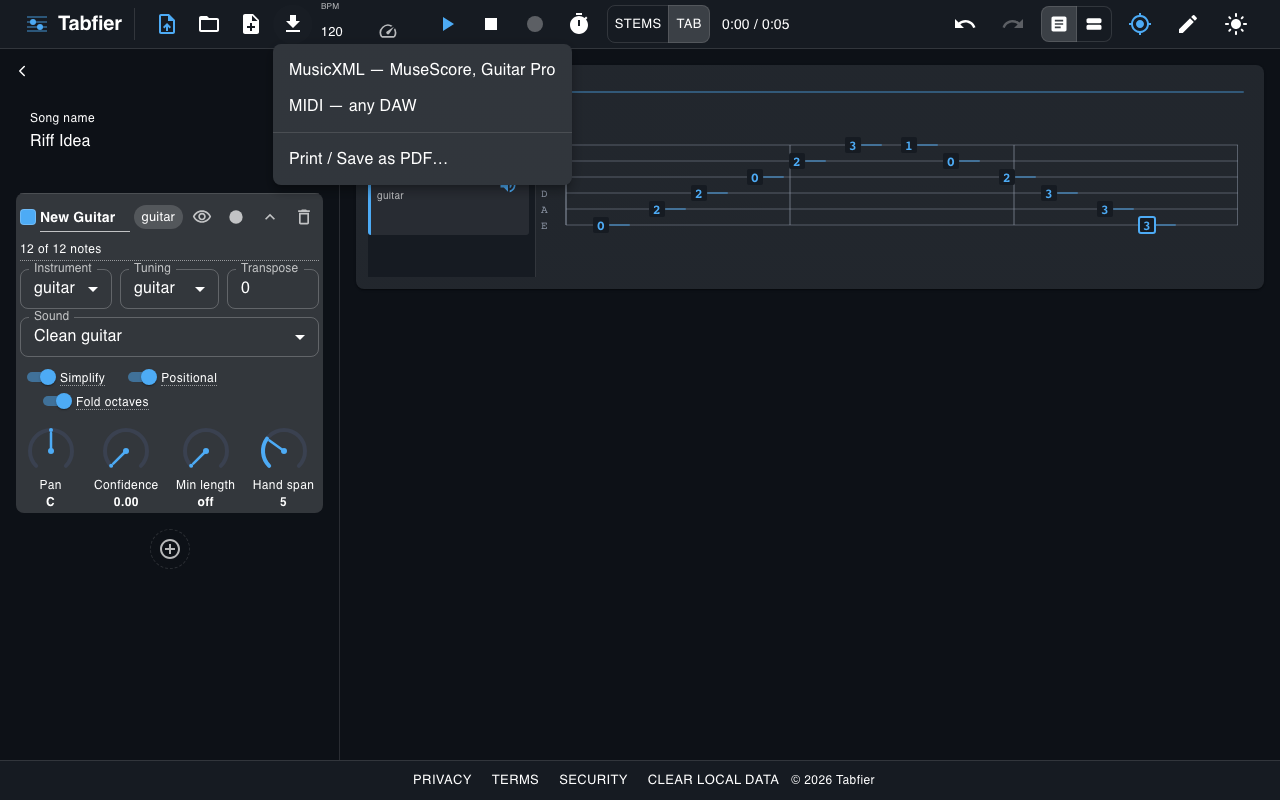
Fix a note, retype a fret, play it back against the original. Export to MIDI or MusicXML for MuseScore, Guitar Pro, or anything else that reads them.
Every edit updates one internal note graph, which two independent serializers read from: a MIDI writer and a MusicXML writer, so what you hear on playback is exactly what gets exported.
Nothing leaves your computer
No account, no server, no uploads. Audio is decoded, transcribed, rendered, and saved locally in your browser. Tabfier installs as a PWA and works offline once loaded.
Open Tabfier